
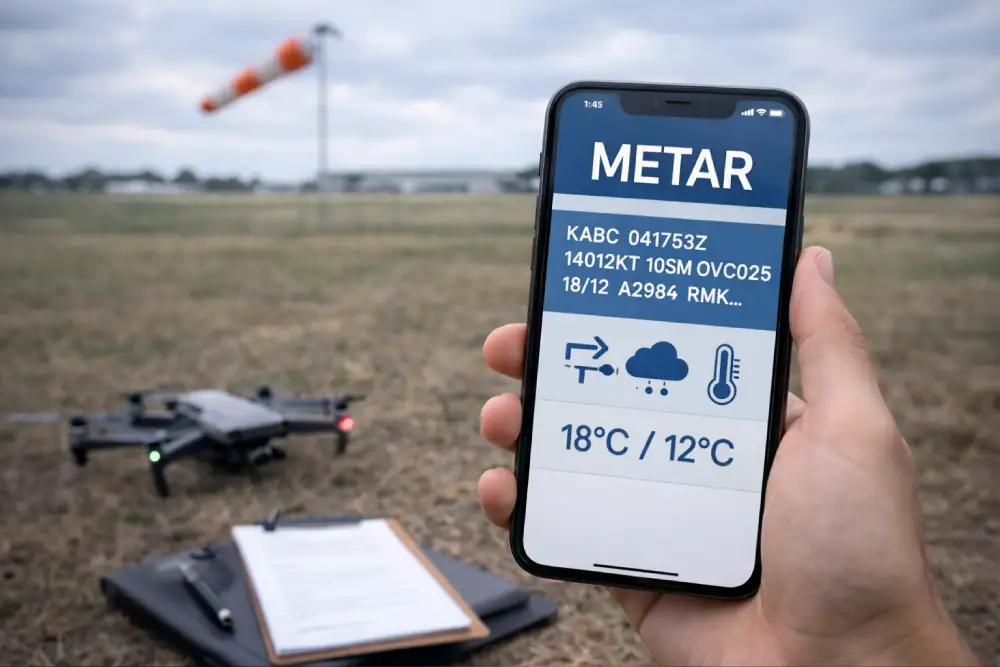
The first time you see a METAR it looks like someone randomly hit a keyboard. Give it ten minutes and it starts making sense. Give it an hour of practice and you can decode one faster than you can read a weather app. This guide walks through every field in a METAR, in the order it appears, so you know exactly what you are looking at.
The Part 107 exam will give you a real METAR and ask questions about it. This is one of the most commonly missed topic areas. Learn it here and you will not lose those points.
What Is a METAR?
METAR stands for Meteorological Aerodrome Report. It is a standardized weather observation taken at an airport, usually once an hour. It gives you a snapshot of what the weather is doing right now at that specific location. Pilots and drone operators use them to make go/no-go decisions before and during flights.
You can find current METARs for free at the Aviation Weather Center. Practicing on real ones is the best way to get comfortable before the exam.
A Full METAR, Field by Field
Here is the METAR we are going to decode together:
| Field | What It Means |
|---|---|
| METAR | Report type. METAR is a routine hourly observation. SPECI is a special report issued when conditions change significantly between scheduled observations. |
| KORD | Station identifier. Four-letter ICAO code for the airport where the observation was taken. K means contiguous United States. ORD is O'Hare International in Chicago. |
| 241553Z | Date and time. The 24 is the day of the month. 1553 is the time in UTC (Zulu). The Z confirms Zulu time. Always UTC, never local time. So this was observed on the 24th at 3:53pm UTC. |
| 27015KT | Wind. First three digits are the direction the wind is coming FROM in degrees true. 270 is due west. Next two digits are speed in knots. KT means knots. So wind from the west at 15 knots. If you see G, that means gusts: 27015G25KT would be gusting to 25. |
| 10SM | Visibility in statute miles. 10SM means 10 statute miles, which is essentially unlimited for practical purposes. Part 107 requires a minimum of 3SM. When you see low numbers here like 1SM or 2SM, that is a red flag. |
| FEW020 | Sky condition. FEW means 1 to 2 oktas of cloud coverage (about 1/8 to 2/8 of the sky). The number is height in hundreds of feet AGL. FEW020 means a few clouds at 2,000 feet. |
| BKN045 | Sky condition. BKN means broken, which is 5 to 7 oktas of coverage. BKN and OVC both count as a ceiling. BKN045 means broken clouds at 4,500 feet AGL. |
| OVC090 | Sky condition. OVC means overcast, full cloud coverage. OVC090 means overcast at 9,000 feet. Since BKN045 is lower, 4,500 feet is the actual ceiling here. |
| 22/14 | Temperature and dewpoint in Celsius. Temperature first, dewpoint second. 22C temperature, 14C dewpoint. When these numbers get close together (within 2 to 3 degrees), fog is likely. Here they are 8 degrees apart so fog is not a concern. |
| A2992 | Altimeter setting in inches of mercury. A2992 means 29.92 inHg. Standard sea level pressure is 29.92. This affects pressure altitude calculations and is used to set aircraft altimeters. |
| RMK AO2 | Remarks. RMK starts the remarks section. AO2 means the station has an automated precipitation sensor. Remarks are optional and contain additional info not covered in the main body. |
Cloud Coverage Quick Reference
You will see these abbreviations in every METAR. Know them cold:
| Code | Coverage | Is It a Ceiling? |
|---|---|---|
| SKC / CLR | Sky clear, no clouds | No |
| FEW | 1 to 2 oktas (1/8 to 2/8 of sky) | No |
| SCT | Scattered, 3 to 4 oktas | No |
| BKN | Broken, 5 to 7 oktas | Yes |
| OVC | Overcast, 8 oktas (full coverage) | Yes |
Common Weather Phenomena Codes
These appear between the visibility and sky condition fields and tell you what is happening at the surface:
| Code | Meaning |
|---|---|
| TS | Thunderstorm. Stop flying immediately. |
| FG | Fog. Visibility typically below 5/8 of a mile. |
| BR | Mist. Visibility between 5/8 and 6 miles. |
| RA | Rain. |
| SN | Snow. |
| DZ | Drizzle. |
| HZ | Haze. |
| GR | Hail. |
Intensity modifiers can appear before these codes. A minus sign means light, no modifier means moderate, and a plus sign means heavy. So -RA is light rain, +TS is a heavy thunderstorm.
Three More METARs to Practice On
Example 1 — Fine day to fly:
San Francisco, 1755Z on the 14th. Wind from 280 at 12 knots. 10 miles visibility. A few clouds at 3,000 feet, not a ceiling. Temp 18C, dewpoint 9C, no fog risk. Altimeter 30.05. Perfect day to fly.
Example 2 — Cannot fly, visibility too low:
Boston, 1210Z on the 9th. Wind from 050 at 8 knots. Only 1 statute mile of visibility in mist. Overcast at 400 feet. Temperature and dewpoint 1 degree apart so that mist is going nowhere fast. You cannot fly here. Visibility is below the 3SM minimum and the ceiling at 400 feet means there is zero legal altitude to operate.
Example 3 — Thunderstorm, hard no:
Dallas, 1823Z on the 20th. Wind from 220, gusting to 31 knots. 7 miles visibility. Thunderstorm with rain. Broken clouds at 3,000 feet, overcast at 5,500 feet. Temp and dewpoint close, 28 and 21. The TS in there ends the conversation. You are not flying regardless of what the other numbers look like.
The Go/No-Go Checklist from a METAR
When the exam gives you a METAR and asks if you can fly, run through this in order:
- Is there a TS anywhere in the report? If yes, no-go, full stop.
- Is visibility at least 3 statute miles? If no, no-go.
- Is the ceiling (BKN or OVC) high enough to fly at least 500 feet below it? If not, either reduce your altitude or no-go.
- Are temperature and dewpoint within 2 to 3 degrees? If yes, expect fog or low clouds.
- Are winds within your drone's operating limits? Check your aircraft specs.
Practice METAR questions before exam day
FAA 107 Prep has weather questions with full explanations so you can decode any METAR the exam throws at you.